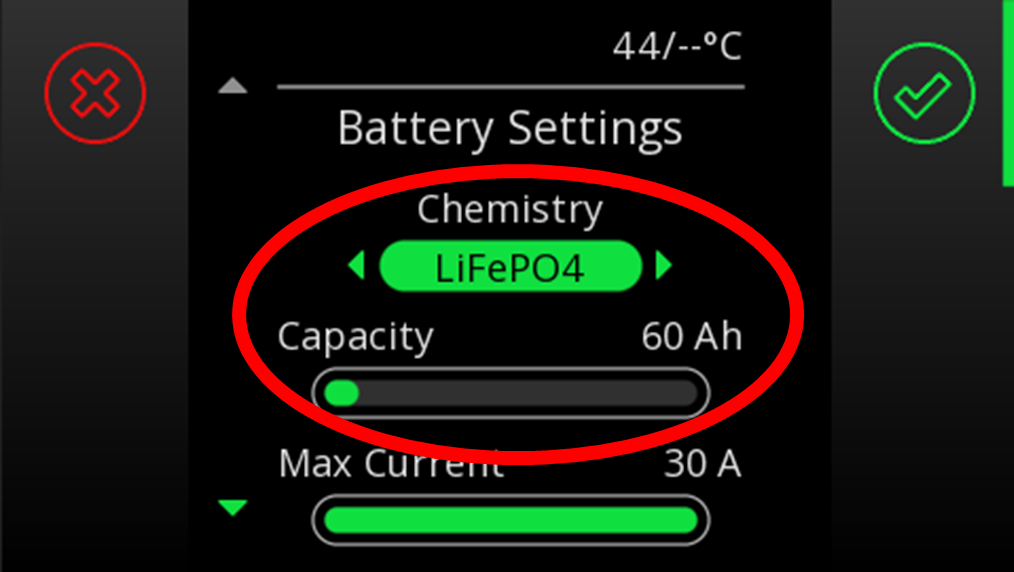
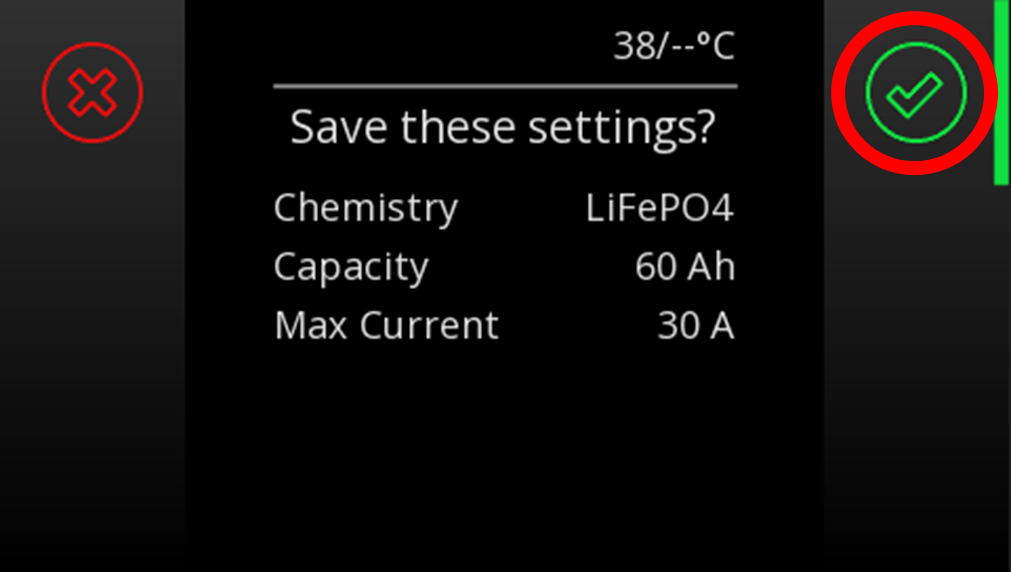
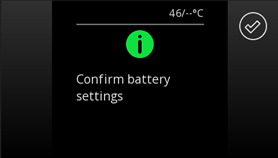
There are multiple ways to change the chemistry once the system has been upgraded to lithium. When removing the old batteries and reconnecting the lithium, the Manager30 system (BMS) will prompt you to set the new battery type and size.
REDARC recommends seeking the support of a qualified auto electrician or technician.
Important
For your safety, REDARC recommends installation by a qualified auto electrician or technician. Our trusted REDNetwork is made up of professional auto electrical businesses certified by REDARC to install the complete of REDARC solutions. Find Your Local Installer
There are multiple ways to change the chemistry once the system has been upgraded to lithium. When removing the old batteries and reconnecting the lithium, the Manager30 system (BMS) will prompt you to set the new battery type and size.
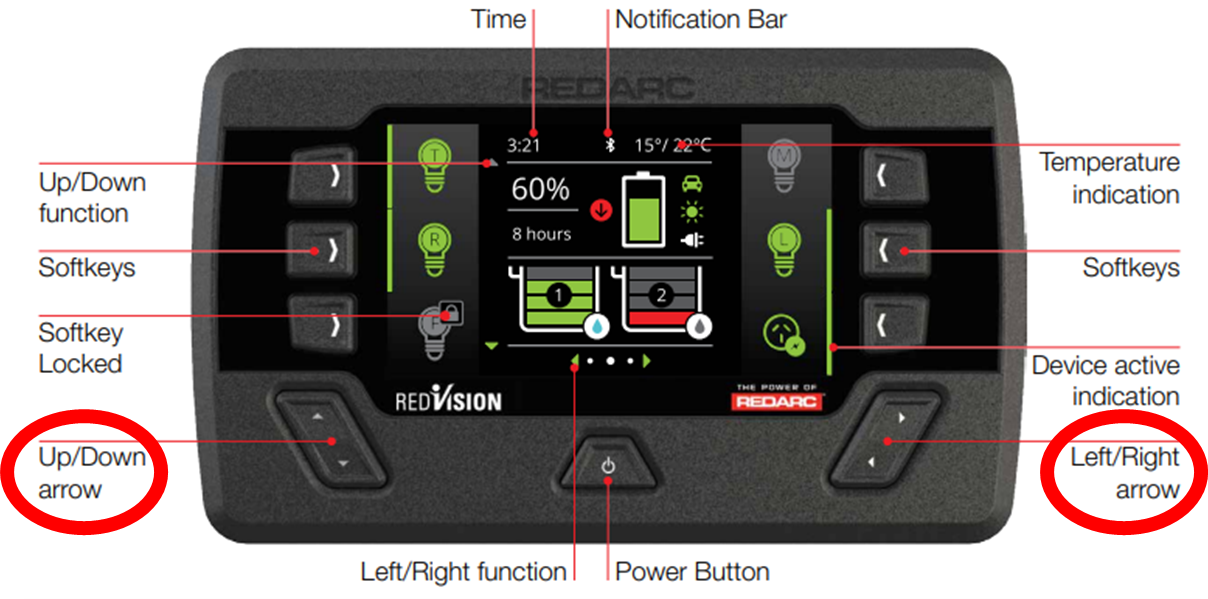
If this doesn’t occur, then the profile can be changed in the settings menu. From the main screen using the left arrow access the setting menus, using the down arrow access the Manager30's settings or charger settings in newer firmware models. Select the battery Icon.
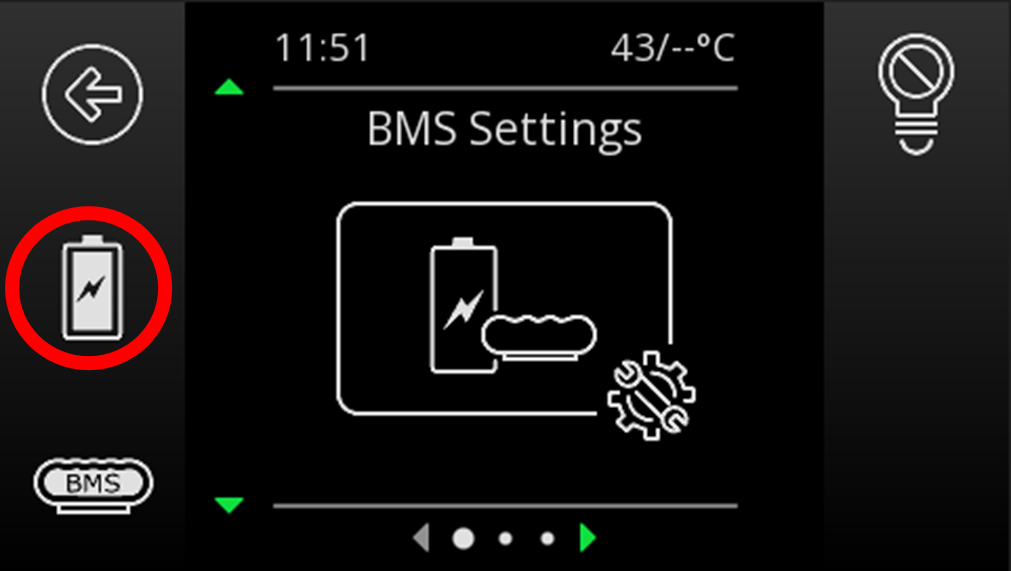
Select LiFePO4 and Capacity (AH) and confirm using the green tick icon. To Save the settings confirm with green tick icon.