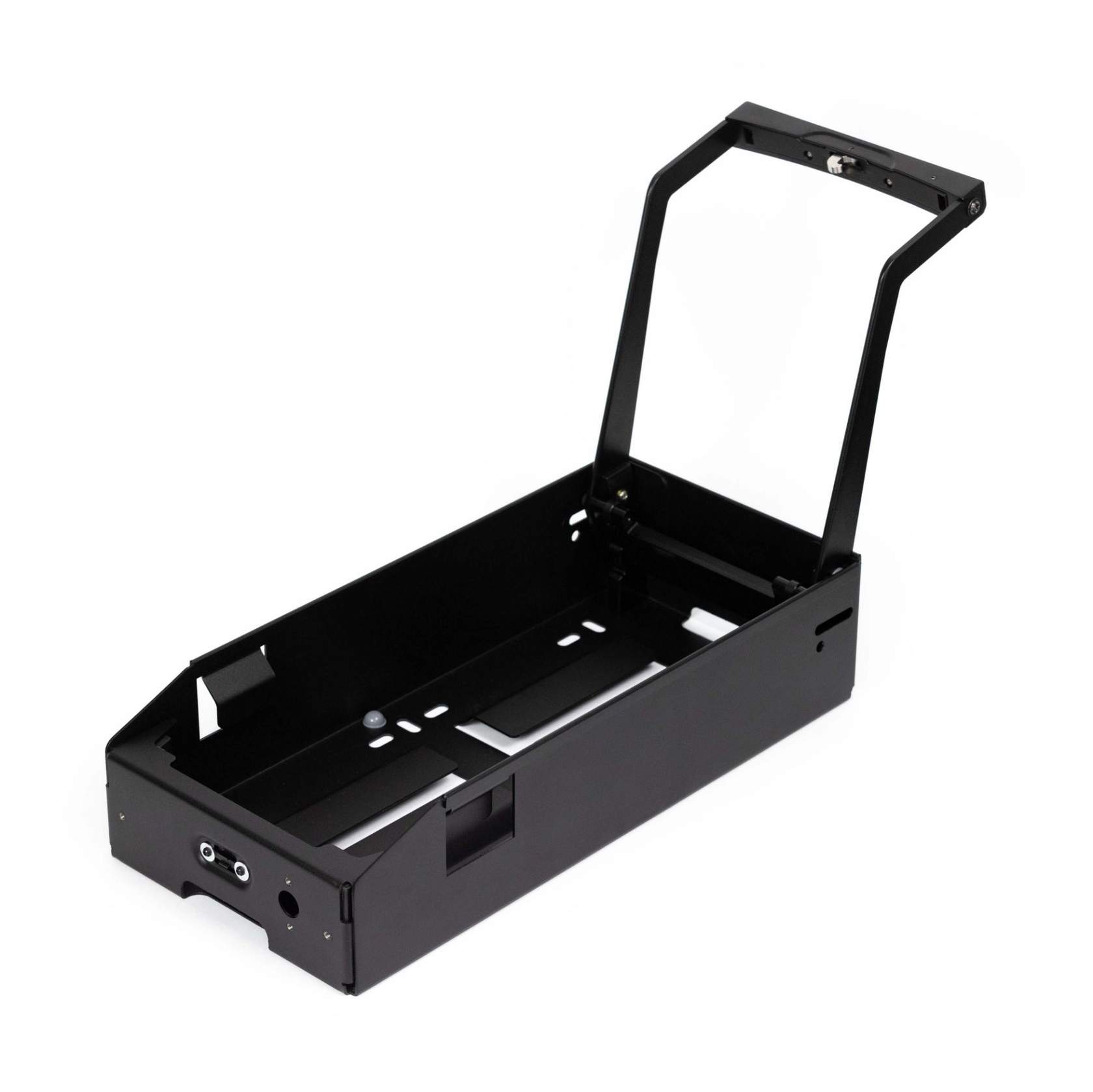
The GoBlock gives you the ability to boost your start battery and get you back on the road utilising the GoBlock’s recovery mode, vehicle’s start battery using either the Anderson input and Smart Battery Recover Cables or the PowerDock.
REDARC recommends seeking the support of a qualified auto electrician or technician.
Important
For your safety, REDARC recommends installation by a qualified auto electrician or technician. Our trusted REDNetwork is made up of professional auto electrical businesses certified by REDARC to install the complete of REDARC solutions. Find Your Local Installer
This information is applicable to the following products:
- GoBlock Dual Battery System (PPS12100, PPS12100NA)
A flat start battery is an easy way to ruin anyone’s trip, REDARC GoBlock gives you the ability to boost your start battery and get you back on the road utilising the GoBlock’s recovery mode.
The following tech tip gives you a step by step on how to recover your vehicle’s start battery.
Recovery Mode
In the event of a flat vehicle start battery, the GoBlock Recovery feature enables you to sacrifice some GoBlock charge and safely return it to the flat vehicle start battery.
This process can be initiated when the GoBlock is docked in the PowerDock, or by connecting the GoBlock Auxiliary Anderson Input to a vehicle start battery using Battery Recovery Leads SBR0001.
Once Recovery is initiated, GoBlock will charge the flat vehicle battery for approximately 15 minutes, providing enough charge to safely start the vehicle.
The 15 minute profile is designed to recover and perform maintenance on the flat vehicle start battery, providing a much better outcome than a standard jump-start.
Recovery procedure via Anderson input
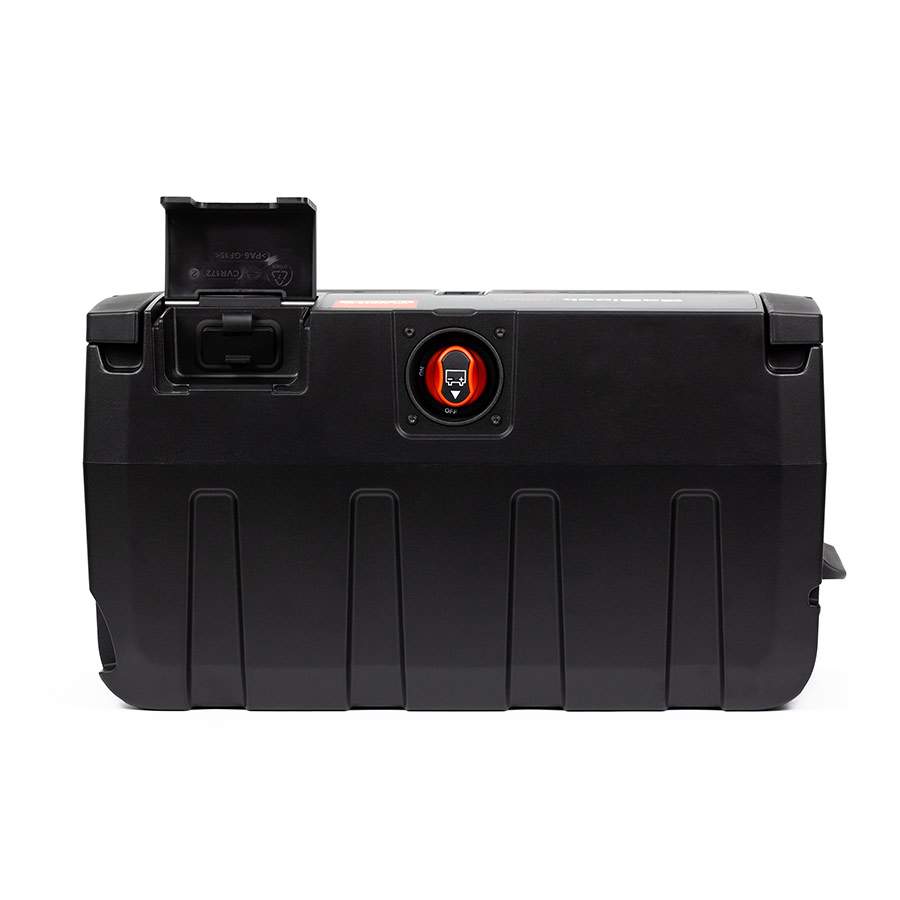
Important: When connecting the SBR0001 for start battery recovery, the Anderson input on the back MUST be utilised for recovery operations.
Do not connect the leads to the 50A Anderson Output on the front of the GoBlock, as this may damage the unit.
Connecting the GoBlock to a flat vehicle start battery using REDARC GoBlock Battery Recovery Leads.
|
STEP 1 Connect SBR0001 to the Rear Anderson output at the rear of the REDARC Go Block. Take care to only connect the Recovery Leads to the Auxiliary Anderson Input on the back of the GoBlock. Do not connect the leads to the 50A Anderson Output on the front of the GoBlock, as this may damage the unit. |
 |
|
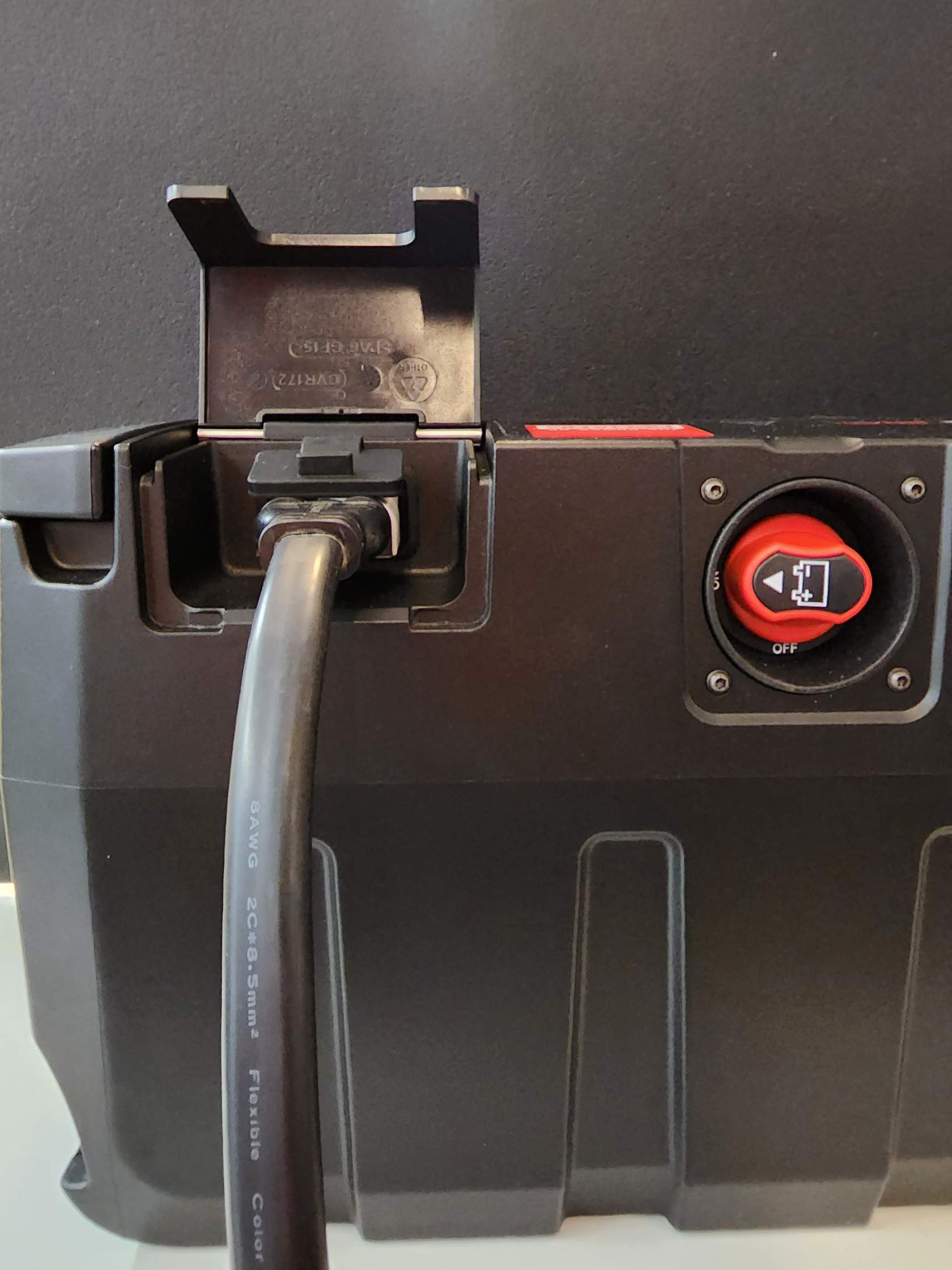
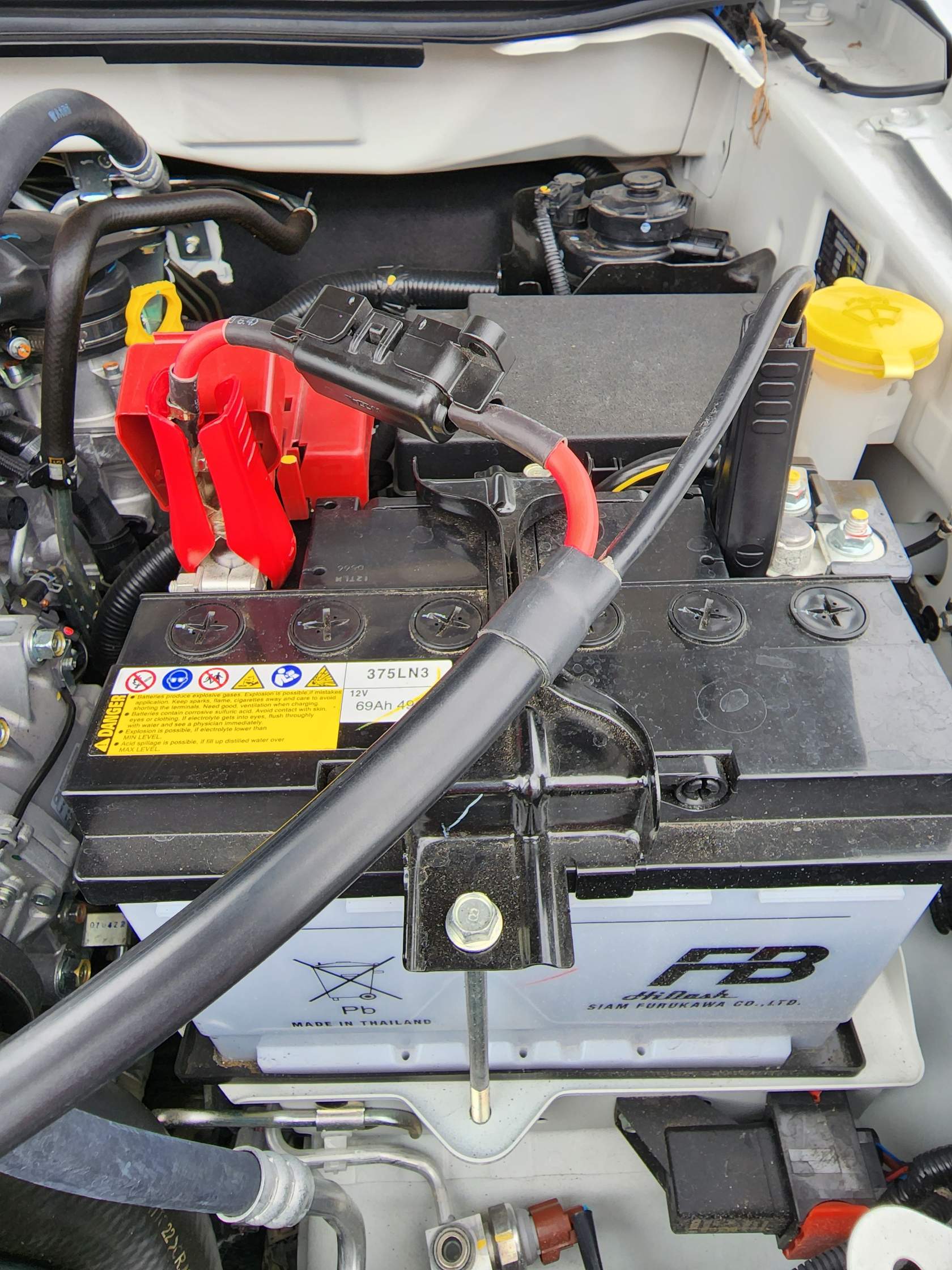
STEP 2 Connect the Battery Recovery Lead clips to the vehicle start battery. Connect the black clip to the negative (−) terminal, then connect the red clip to the positive (+) terminal. |
 |
|
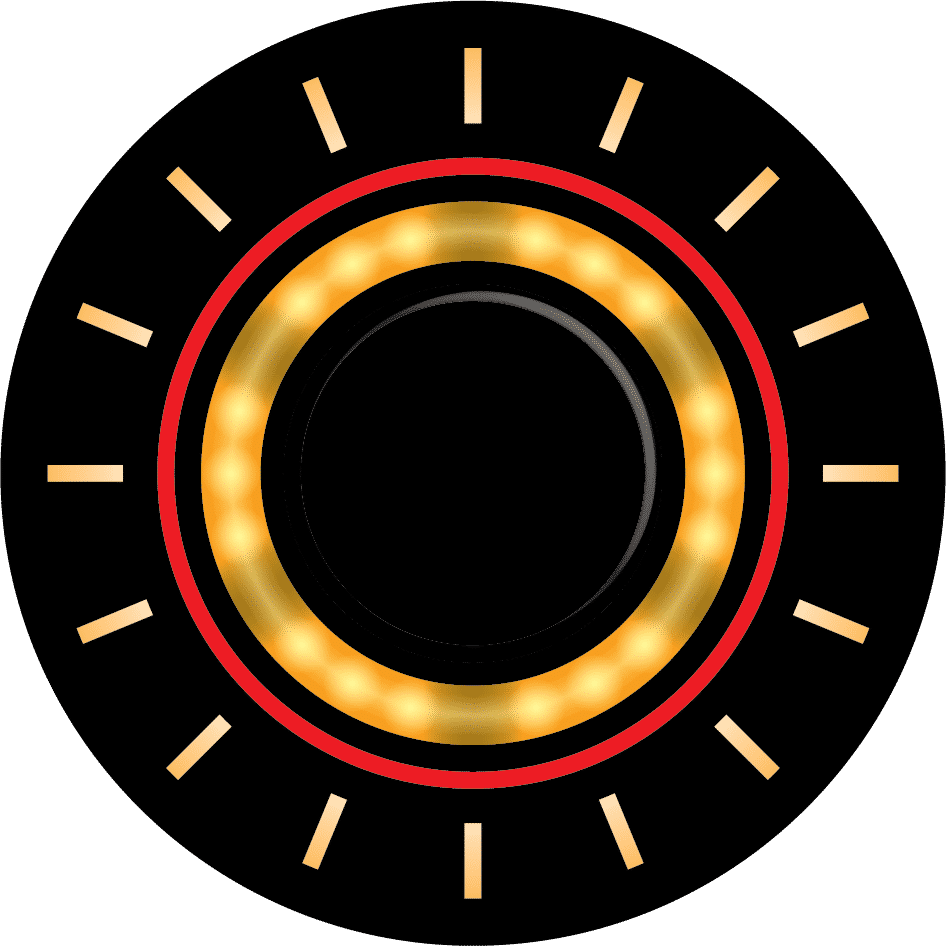
STEP 3 Enter Recovery Mode (Aux) by pressing the Control Button until it flashes yellow. |
 |
|
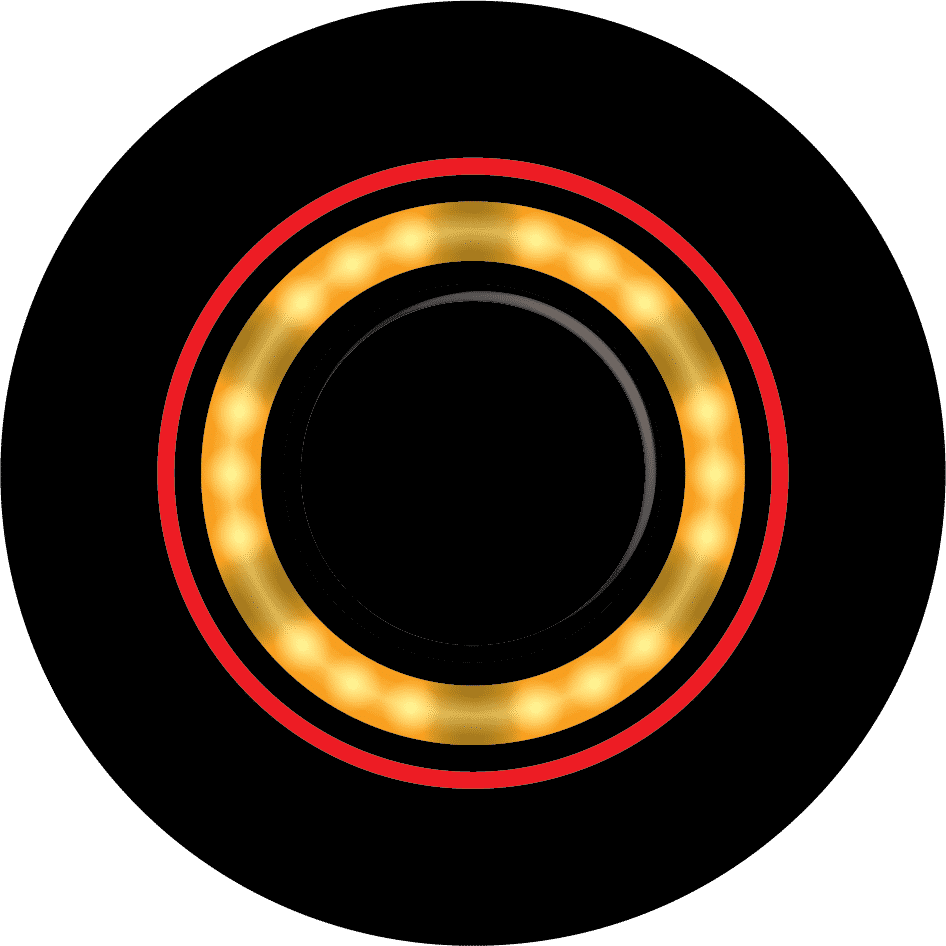
STEP 4 To initiate the Recovery process, press the Control Button for more than one second. The Control Button LED will illuminate solid yellow to indicate that Recovery is in progress. |
 |
|
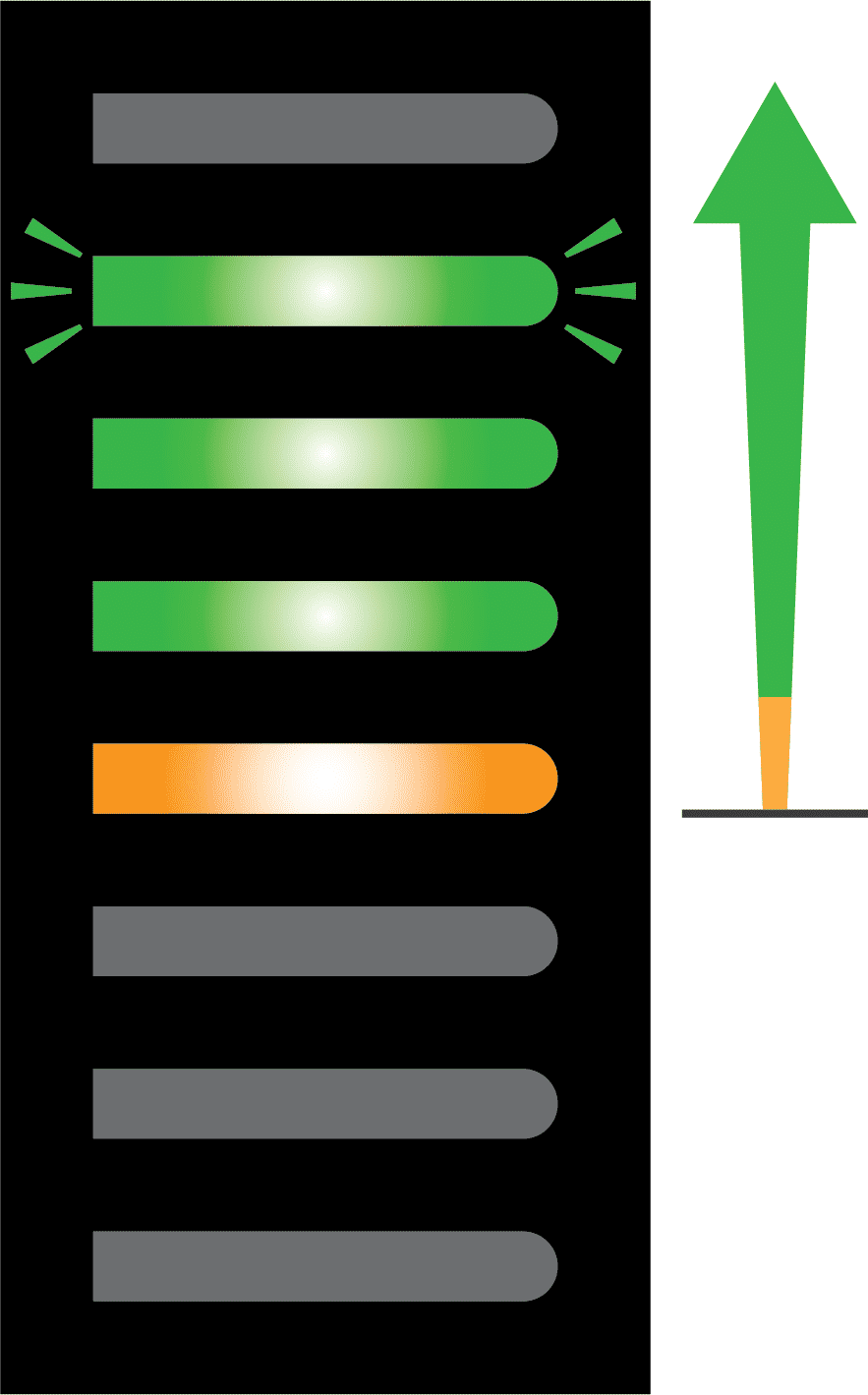
STEP 5 Progress will be displayed by the Battery Level LEDs. The green Battery Level LEDs will illuminate at a rate of approximately one LED every three minutes. |
 |
|
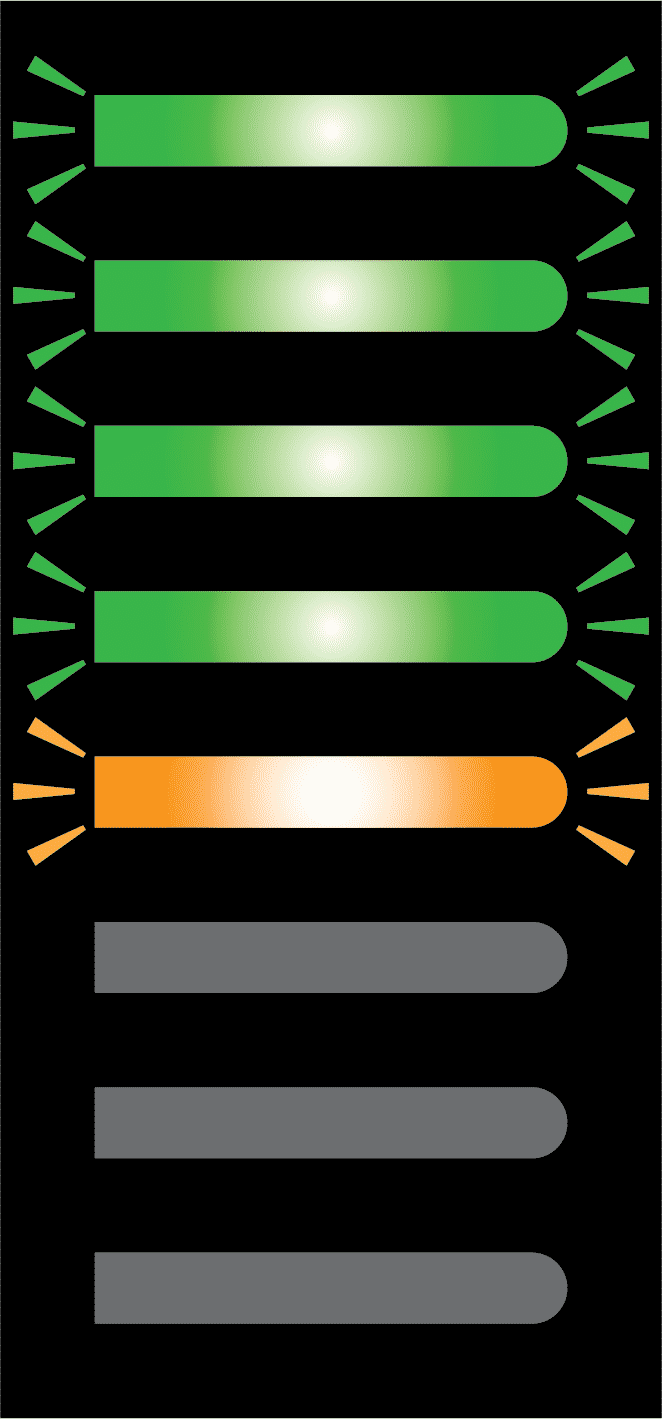
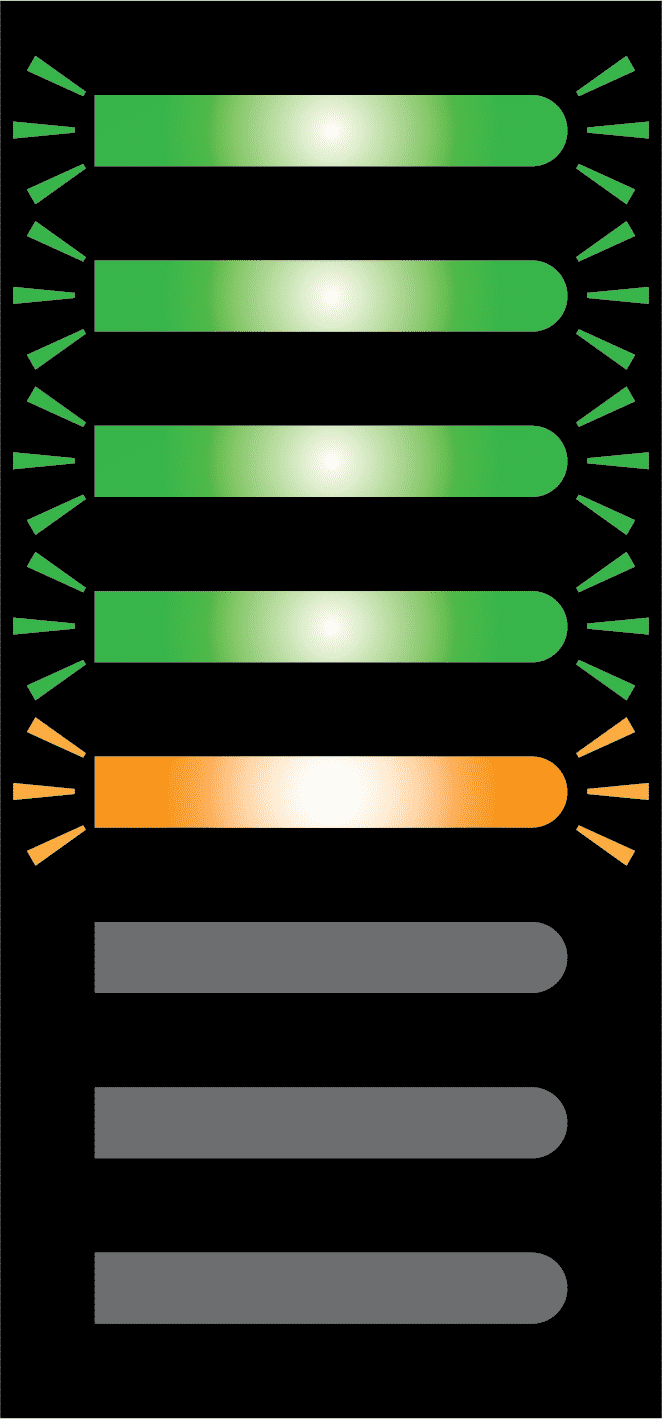
STEP 6 When Recovery is complete, the top yellow and all four green Battery Level LEDs will flash and an audio tune will play. This will continue for approximately three minutes, or until a vehicle input is detected. |
 |
|
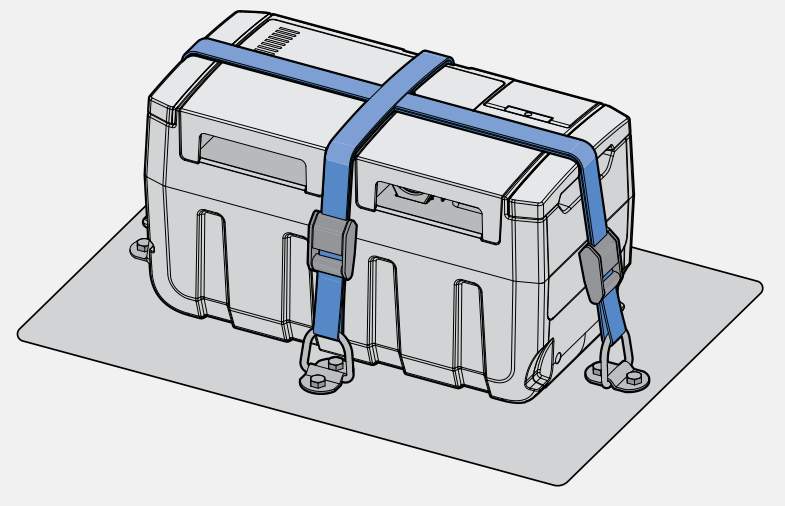
STEP 7 Once complete remove the recovery cable clamps in reverse order, re-secure GoBlock and start the vehicle. |
 |
Powerdock recovery procedure
With the GoBlock secured in the PowerDock you can safely utilise the GoBlock power to recover your start battery.
|
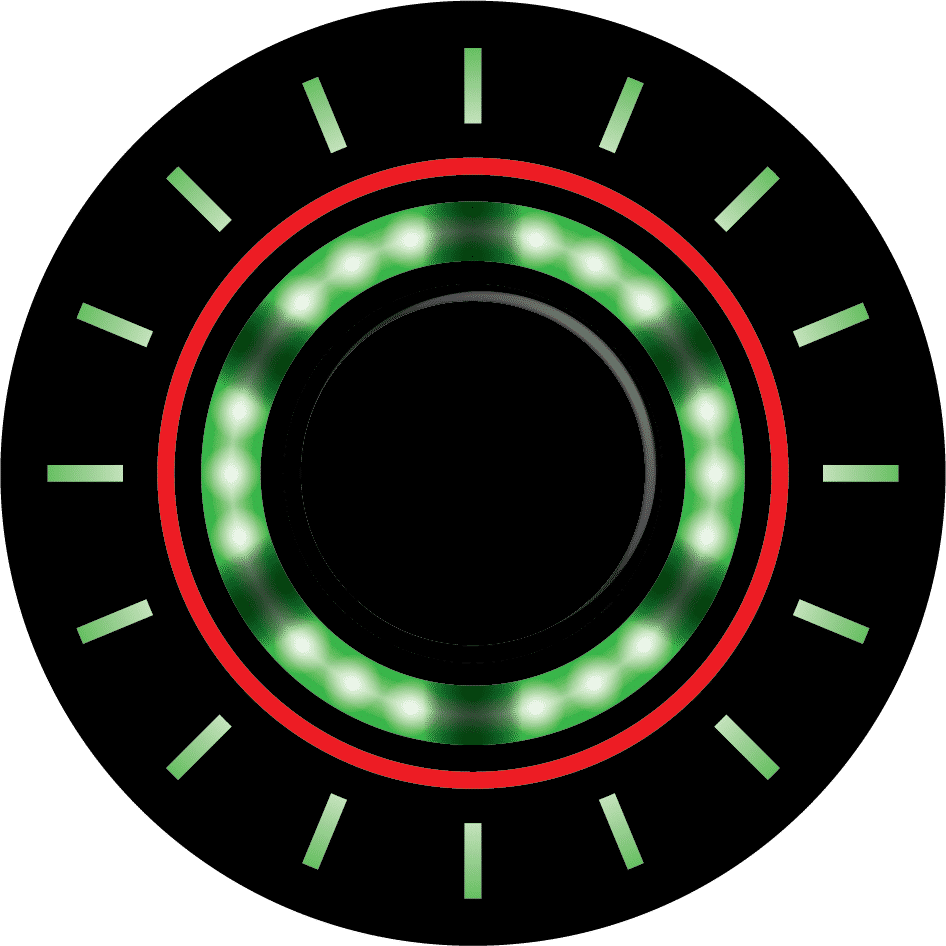
STEP 1 Enter Recovery Mode (Dock) by pressing the Control Button until it flashes green. |
 |
|
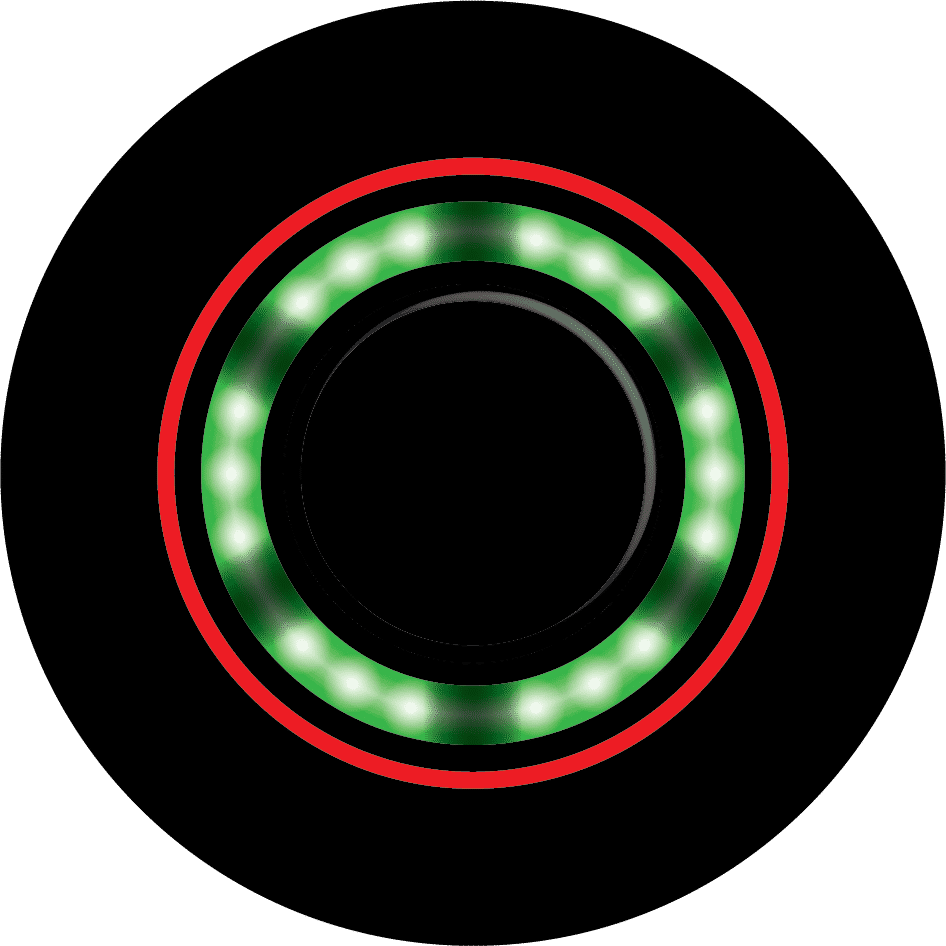
STEP 2 To initiate the Recovery process, press the Control Button for more than one second. The control button LED will illuminate solid green to indicate that Recovery is in progress. |
 |
|
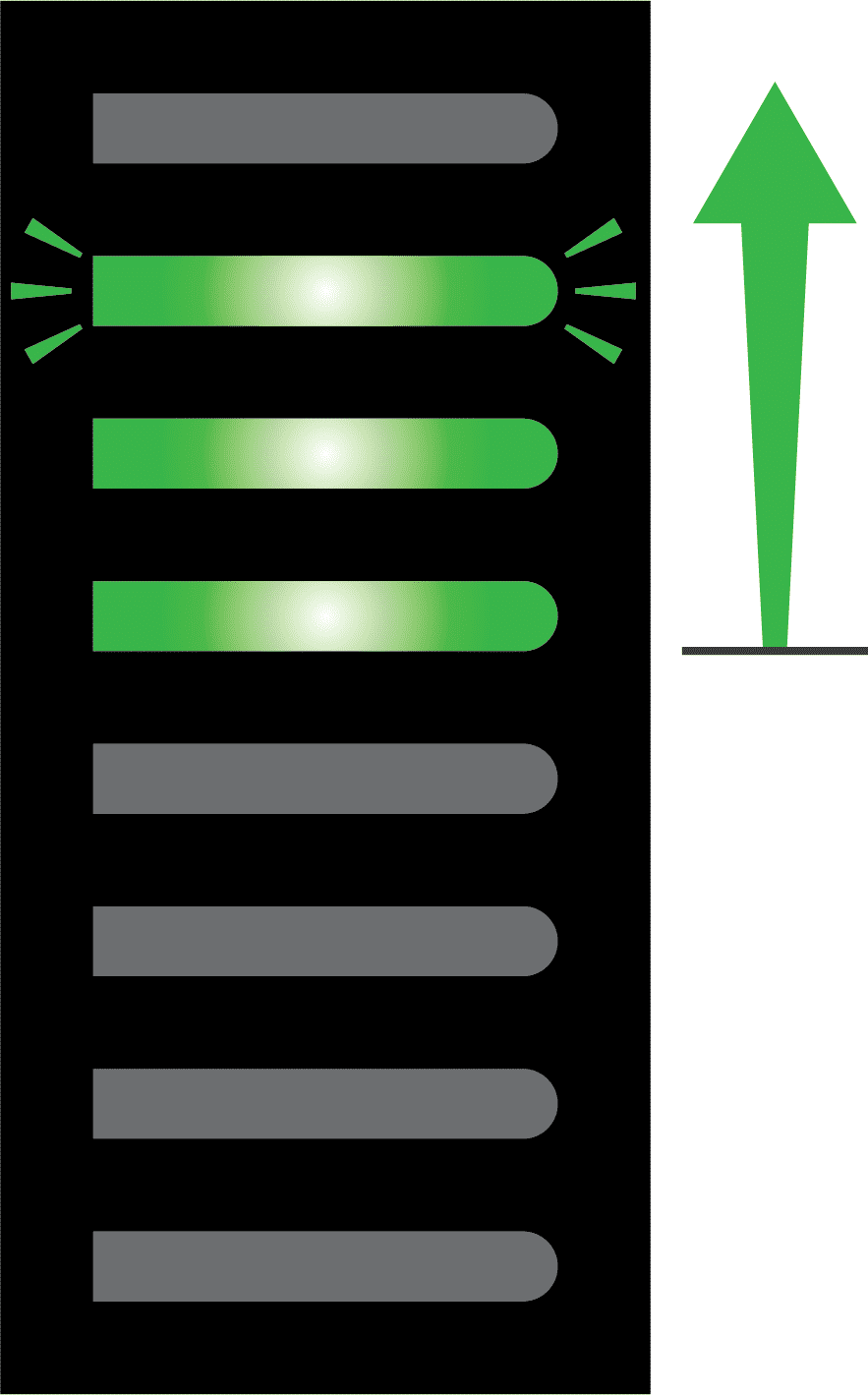
STEP 3 Progress will be displayed by the Battery Level LEDs. The green Battery Level LEDs will illuminate at a rate of approximately one LED every three minutes. |
 |
|
STEP 4 When Recovery is complete, the four green Battery Level LEDs will flash and an audio tune will play. This will continue for approximately three minutes, or until a vehicle input is detected. |
 |
|
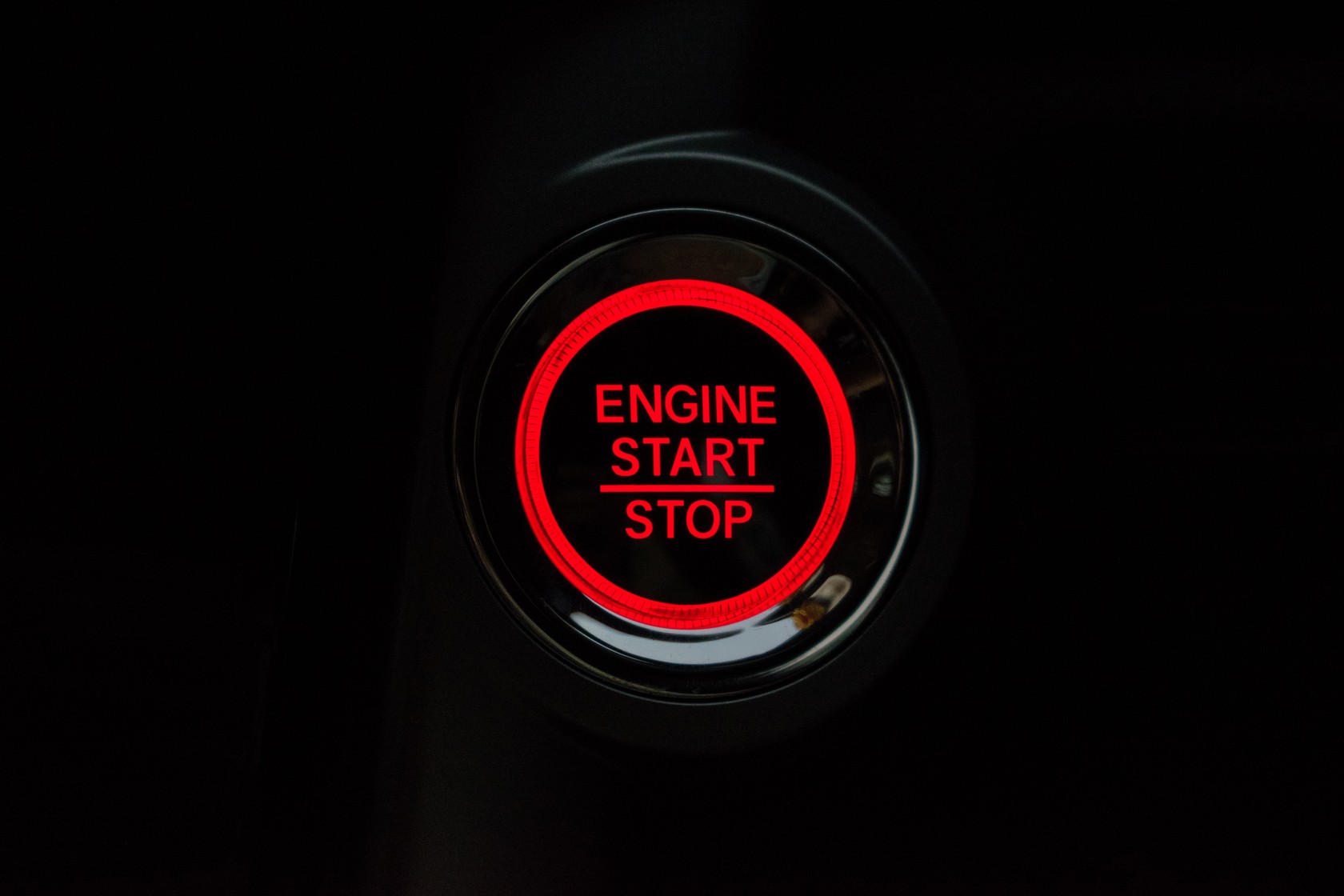
STEP 5 Once complete all you need to do is start the vehicle. |
 |
What accessories do I need?
2 methods of recovery to suit your GoBlock
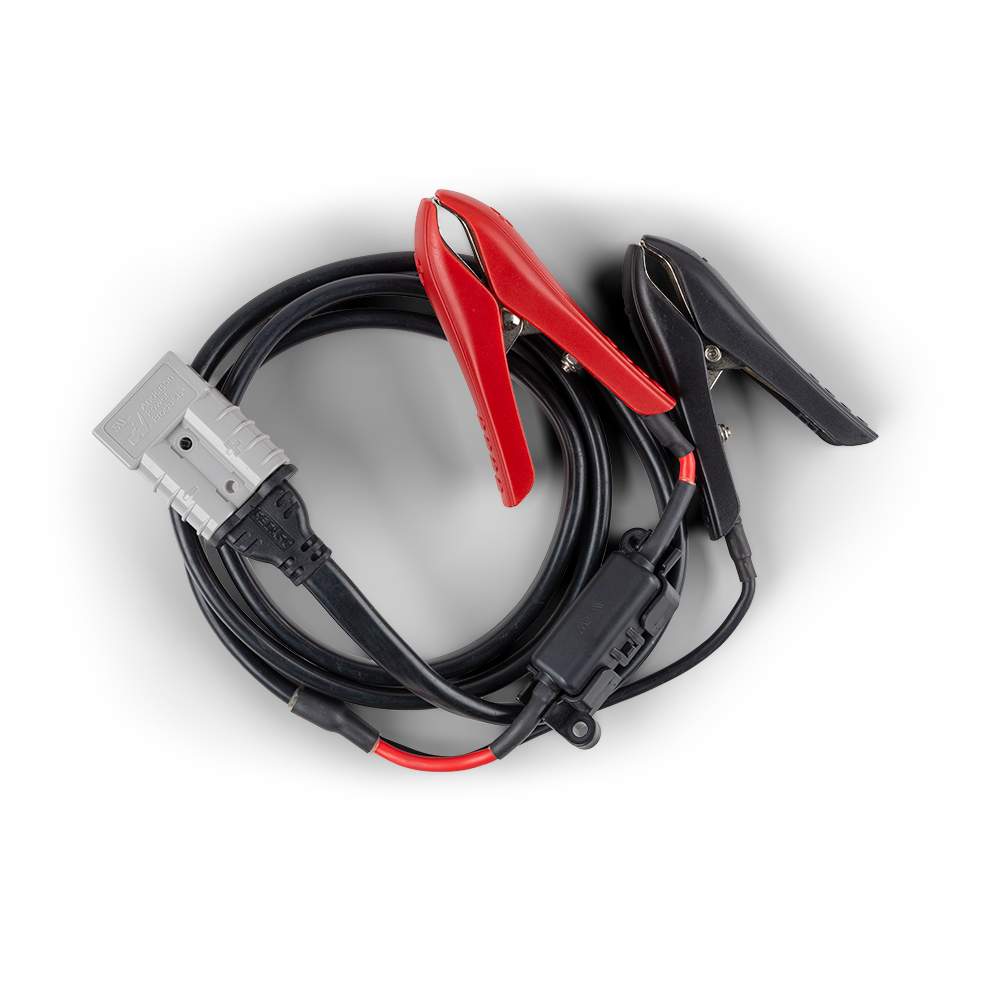
SMART BATTERY RECOVERY CABLE
Safely recover your vehicle's start battery when flat using the GoBlock's smart battery recovery feature and cables. To connect your GoBlock to your vehicles start battery you will need the Smart Battery Recovery Cable (SBR0001).
POWERDOCK
Safely recover your vehicle's start battery when flat using the GoBlock's smart battery recovery feature and the GoBlock PowerDock.